

Nyxian
A whole system.
In your pocket.
Nyxian is a bootloader, a userspace microkernel and a full native IDE. Build and run iOS apps entirely on your iPhone or iPad, or flash a ROM and boot a different system. Offline and unjailbroken.

The bootloader
One bootloader.
Any system.
Nyxian starts with a small bootloader. It shows the splash and the recovery and flashes ROMs, and it links no UI and no kernel of its own. Then it boots a slot: Nyxian's built-in system with the IDE, or a ROM you flashed.
Boot slots
Two slots. Your choice.
Without a ROM, Nyxian boots its built-in system with the IDE. Flash a ROM and it boots in Slot A with its own kernel surface, window server, apps and boot screen. Remove it, and the next boot is the built-in system again.
Recovery
A recovery, like on Android.
Flash and remove ROMs, read the last boot's log, and set boot arguments like -v for a verbose boot or -x to boot without kernel extensions.
Boot screen
The ROM draws its own boot.
The bootloader hands the boot screen over. Each ROM decides how its boot looks and whether the verbose log shows.
Over the air
Updates come by themselves.
Nyxian downloads and flashes ROM updates from emexlabs.org. A broken release can be pulled back, and Nyxian won't install it.
Signed ROMs
P‑256
Only signed ROMs boot.
Every ROM carries a signature by a key in emexLabs' TrustStore. Change a single byte and Nyxian won't boot it. Updates only go forward.
Build a ROM ›The kernel
A microkernel.
In userspace.
ksurface runs inside Nyxian, on top of iOS. It gives the apps and tools you build real processes, subprocesses, a terminal and permissions of their own, without a jailbreak.
Processes
The calls your tools expect.
A Mach IPC syscall server, posix_spawn and vfork, sysctl, task_for_pid, credential calls like setuid, and a TTY. Command line tools run the way they were written.
Privileges
Every binary says what it may do.
A privilege model with signed NXT2 entitlements: spawning processes, task ports, file access and more.
Kernel extensions
Extend the kernel.
Write a C kext for ksurface right in Nyxian. kxld checks its signature and its trust blob before it loads it.
File system
Real file permissions.
Guest processes get a file system with real permissions, built on sandbox file extensions and Nyxian's own file system sandbox.
The IDE
A whole toolchain.
On your iPhone.
Write, compile, link, sign and run native iOS apps and tools right on your iPhone or iPad. Once the SDK and resources are downloaded, Nyxian needs no cloud, so it even works with airplane mode on.
Languages
5
Write it your way.
Swift, C, Objective-C, C++ and Objective-C++.
No cloud
Offline
Everything on the device.
Compiling, linking and signing happen on your iPhone. Airplane mode is fine.
Compatibility
iOS 18+
Up to the newest iOS.
Officially supported from iOS 18 all the way up to the latest version, tested up to iOS and iPadOS 27.2 beta 2.
The SDK
The entire iOS 26.5 SDK.
Compile and run native iOS apps and tools with the full iOS 26.5 SDK, right on the device that runs them.
Install
Jailed, TrollStore or jailbroken.
Sideload it with a free or paid Apple developer account, or install it with TrollStore.
Installation guide ›Features
What it does today.
And what's next.
- Compiling C, Objective-C, C++, Objective-C++ and Swift
- Type checking while you write
- Linking objects to Mach-O
- Signing executables
- Code execution using NSExtension
- A Mach IPC syscall server
- Subprocesses: posix_spawn and vfork
- A TTY for command line tools
- Kernel extensions, checked and loaded by kxld
- File permissions in the guest file system
- Flashing signed ROMs into Slot A
- A recovery with boot arguments and the boot log
- IndexingComing
- Native iOS library developmentComing
- Native iOS Swift package developmentComing
- Native iOS framework developmentComing
- Native iOS tweak developmentComing
On iPad
Room to work.
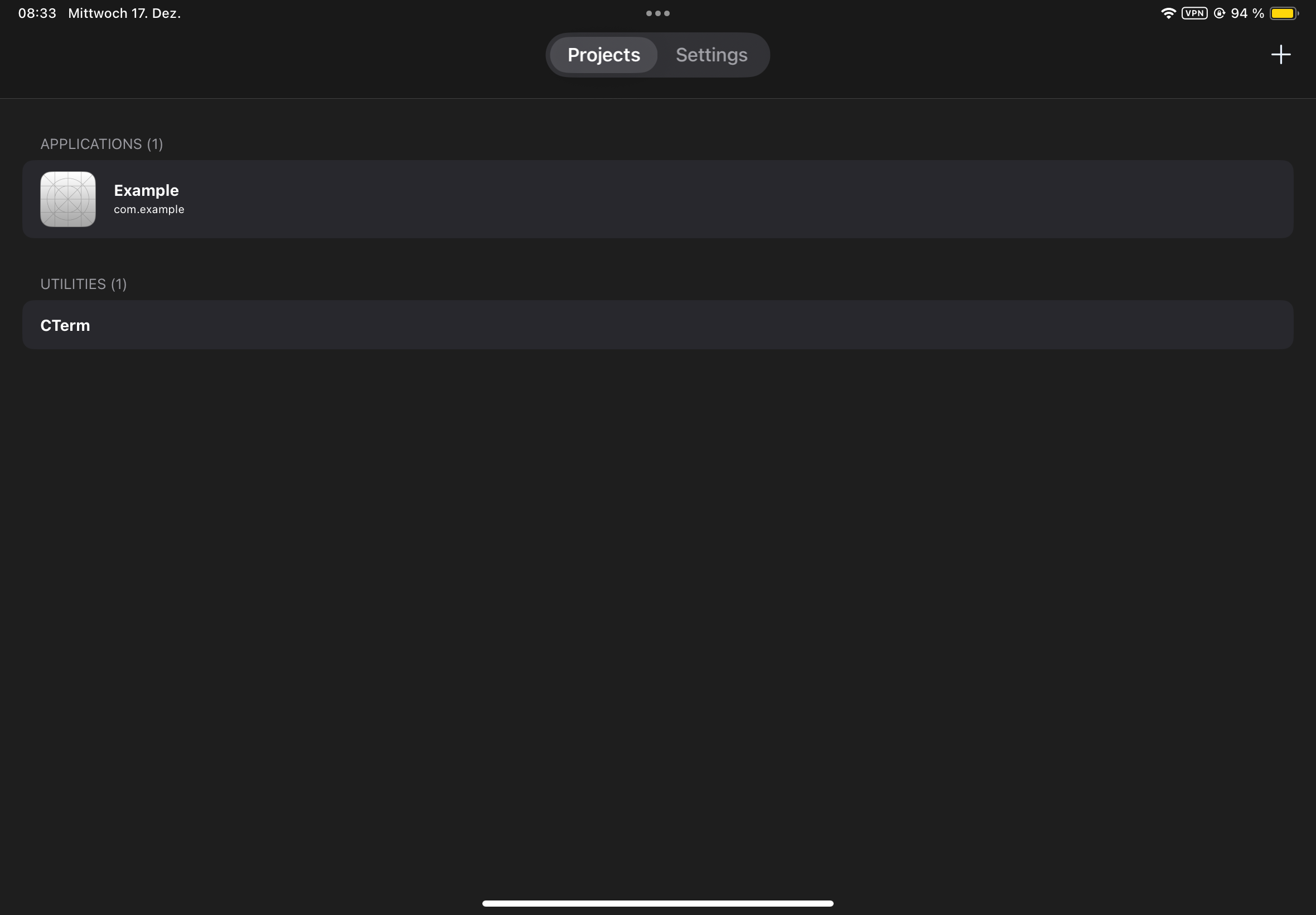
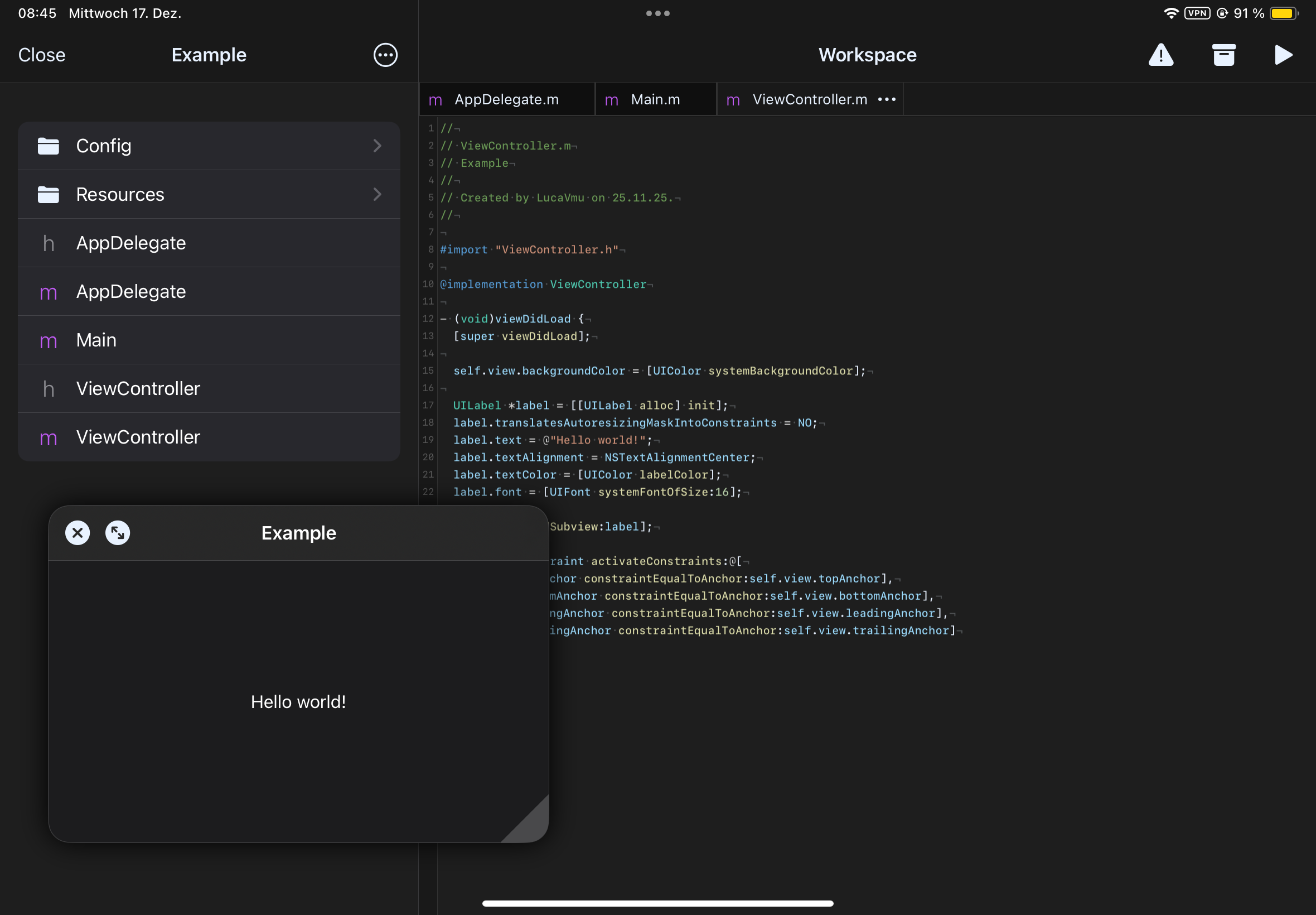
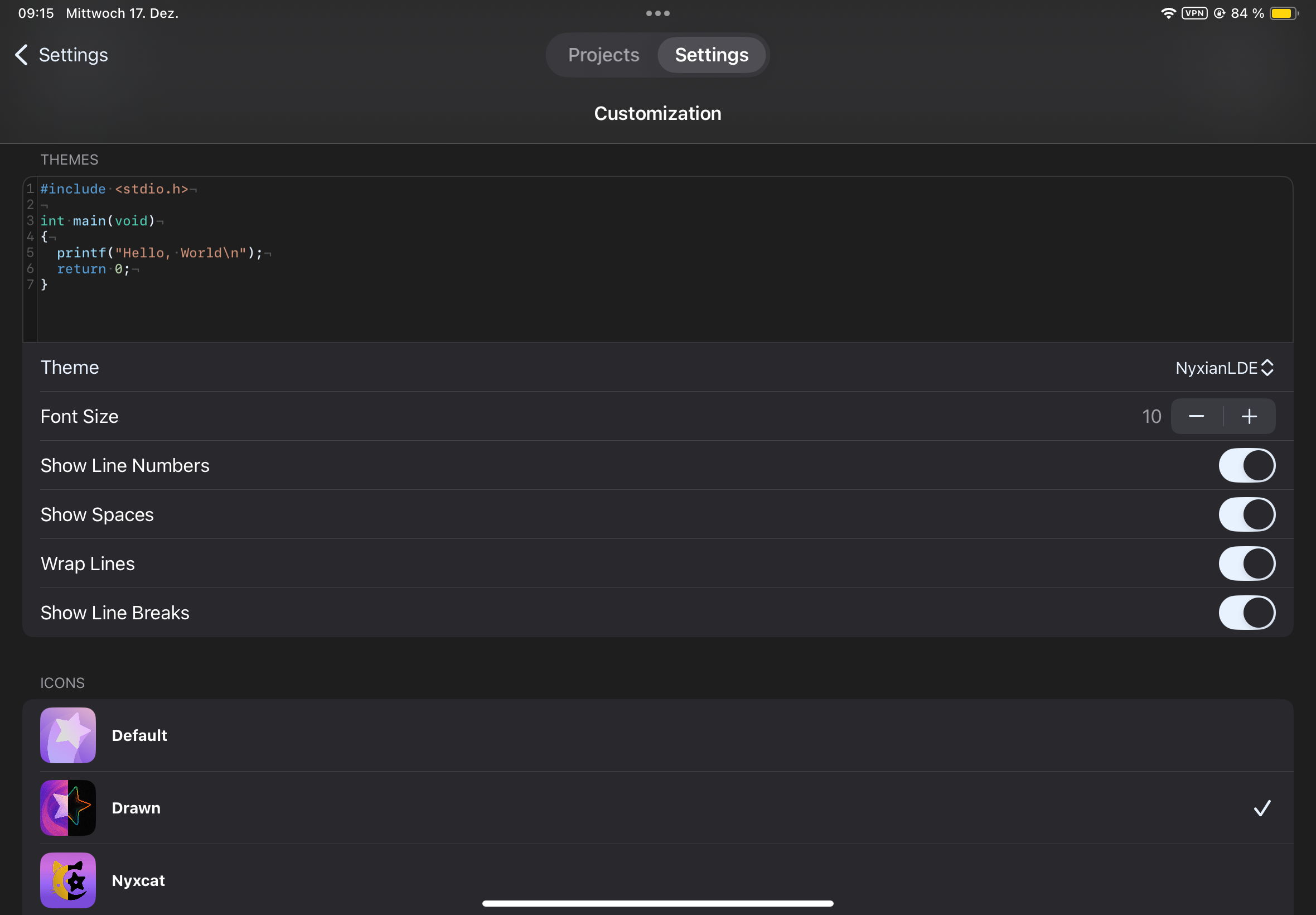
Nyxian is still in beta, so some issues might come up. Please report them on GitHub. On your iPhone and iPad.Get Nyxian.