How to install emexOS on your computer
when booting emexOS you will see this menu,
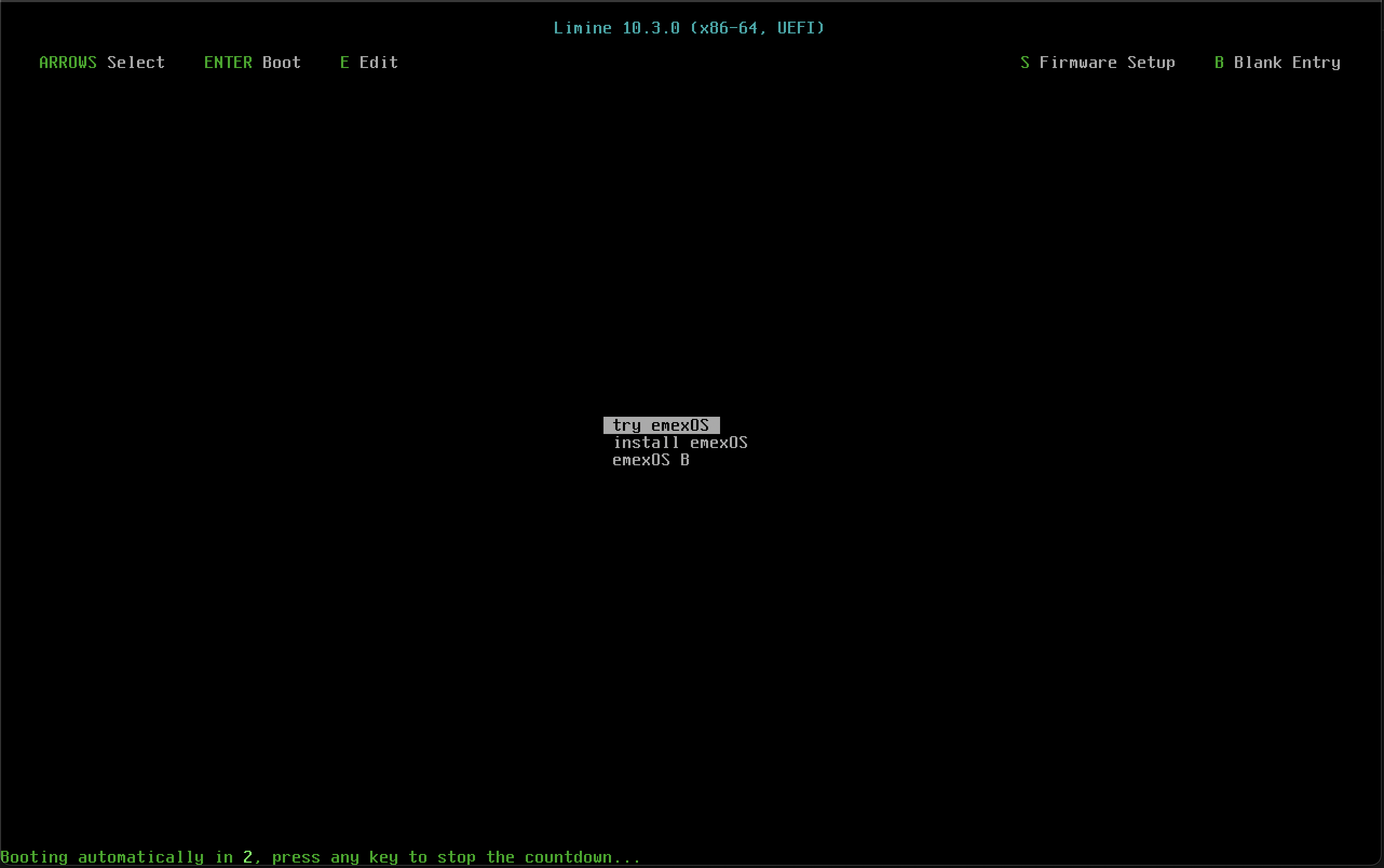
use the arrow key down (↓) and select install emexOS
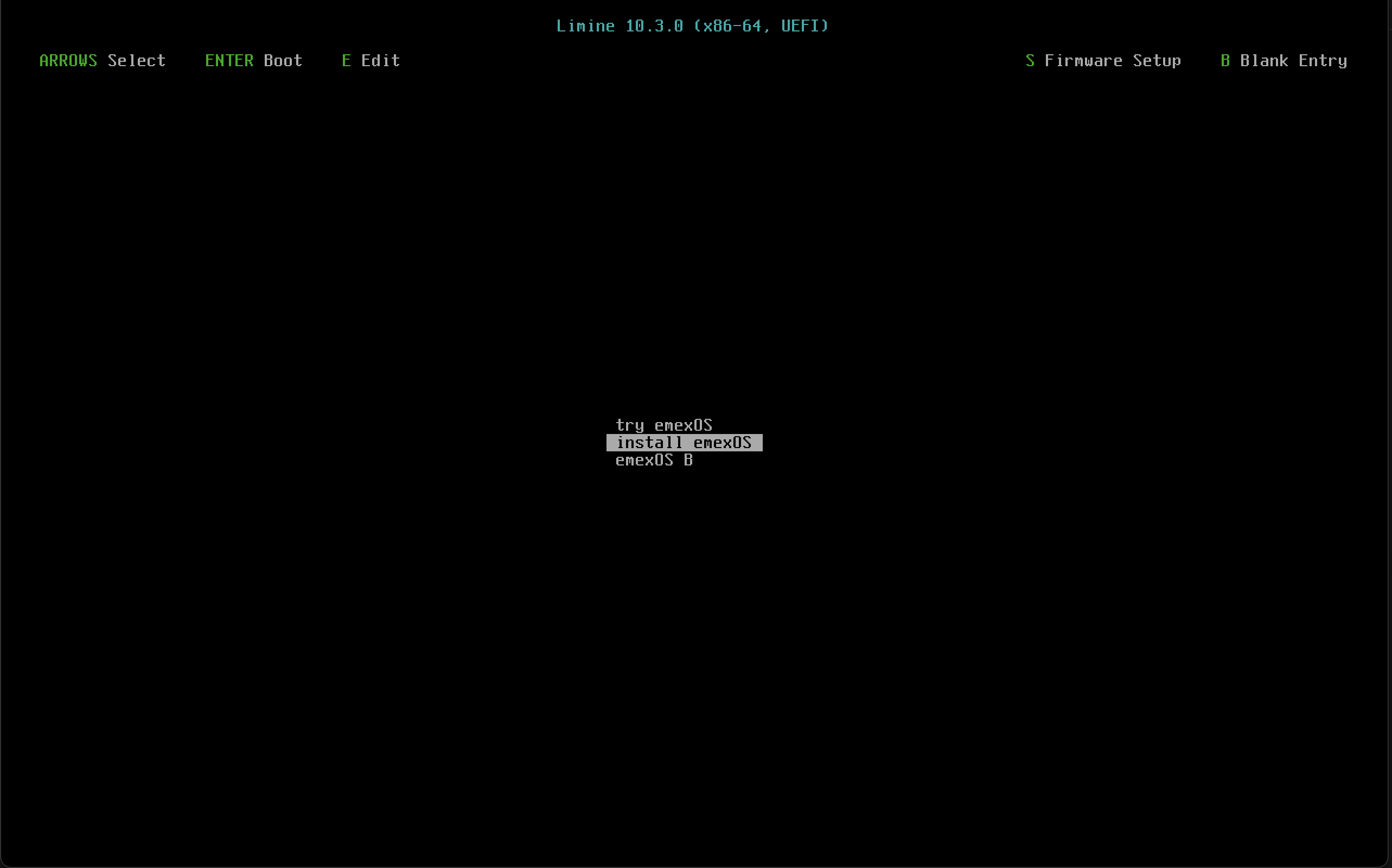
this will install emexOS to your disk it should then look like this,
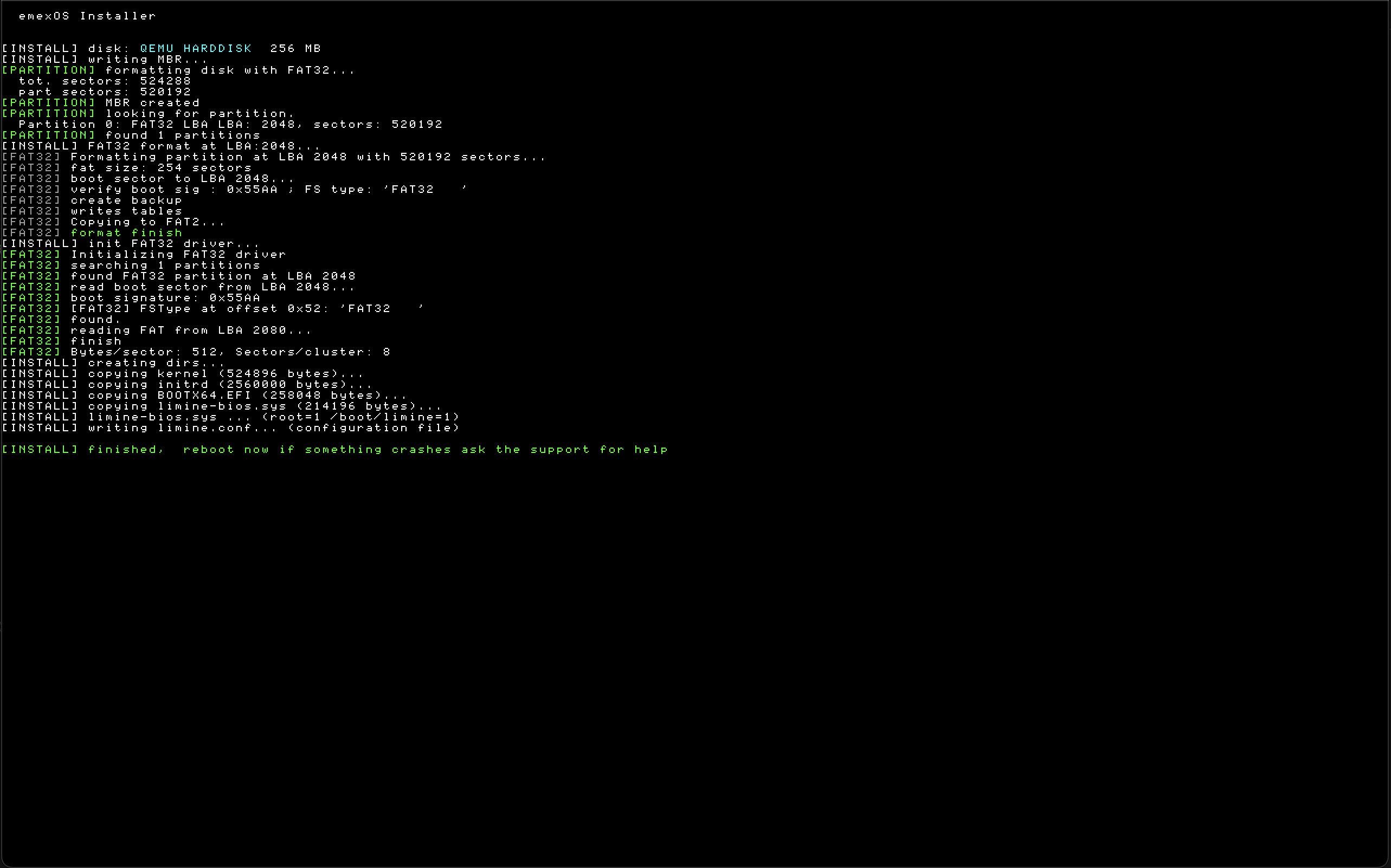
you can then reboot and emexOS should boot
note
it may not work on every hardware